Online workshop - Working on a shared image
Remote and still together!
Do you want the participants in your video conference to focus their attention and actively participate in what is happening? Working interactively on a shared image is fun, promotes creativity and strengthens the sense of unity.
- Preparation
- Look at the title and short description of the motifs. Which one matches the topics to be discussed in the video conference?
- Download the motif without caption as an image.
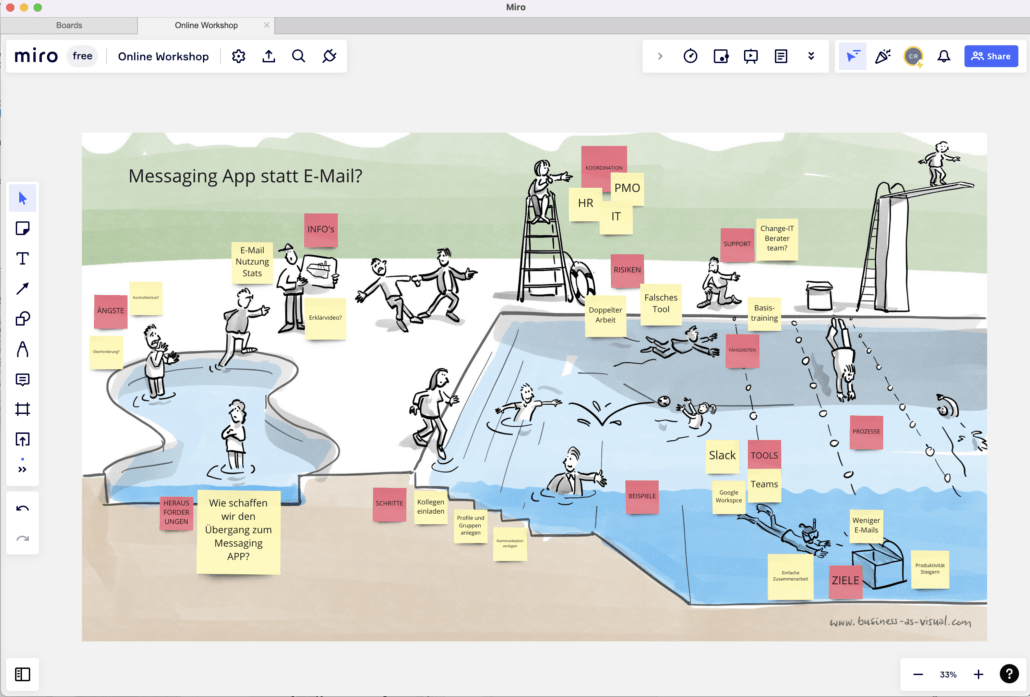
- Transfer the image to an online whiteboard such as Miro, Mural or ConceptBoard. Make it large enough so that there is plenty of space for virtual sticky notes.
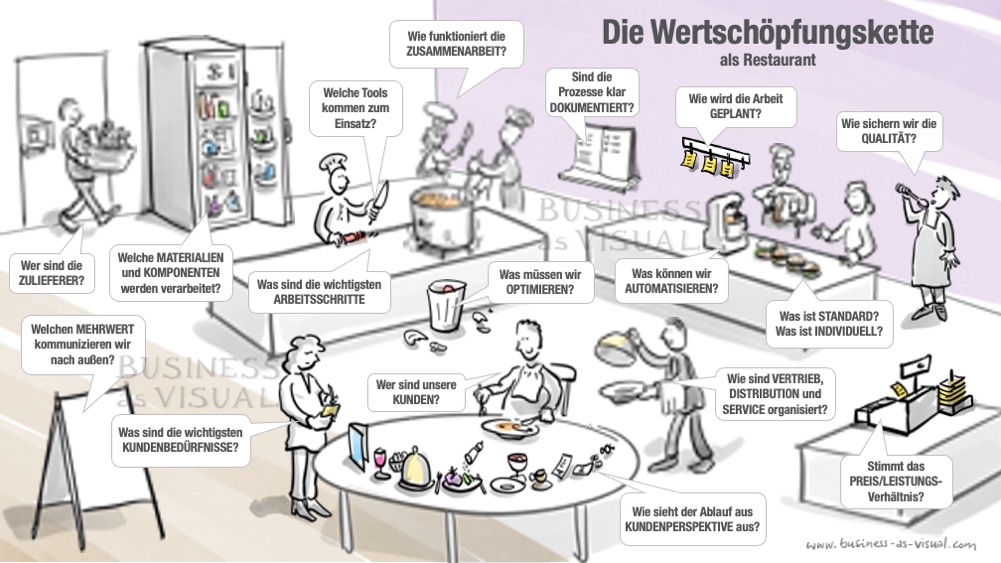
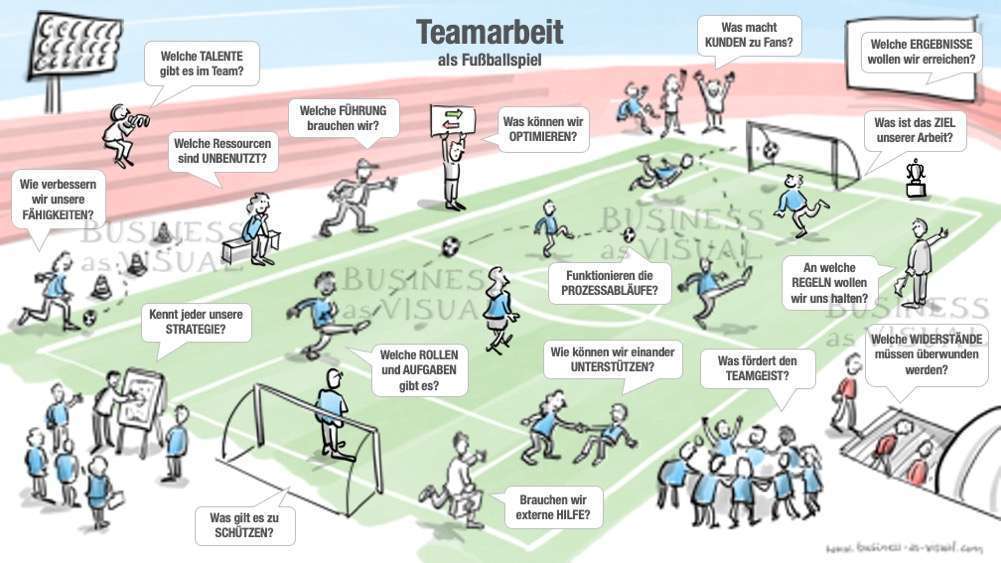
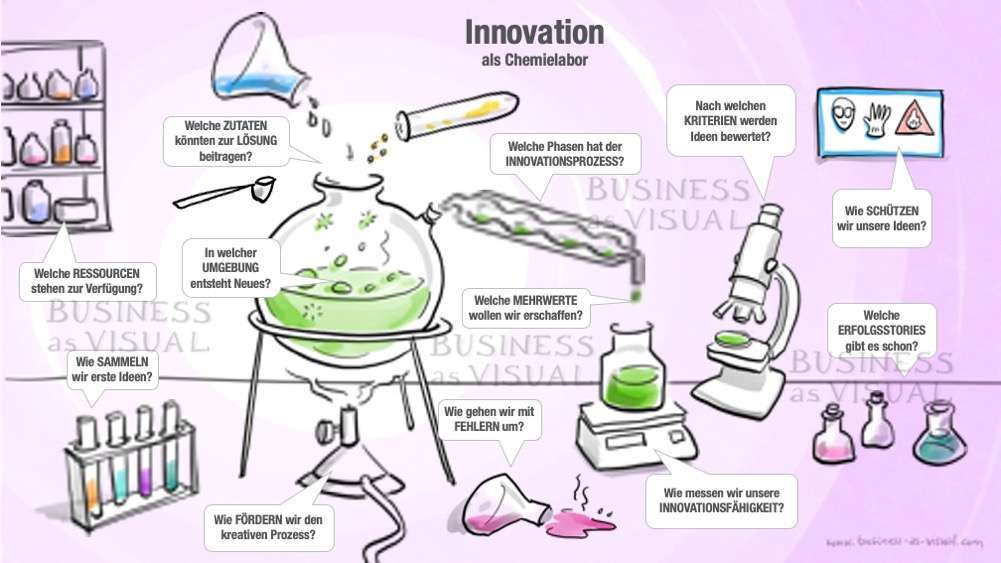
- Prepare virtual sticky notes with the tasks/questions to be worked on in the workshop. You are welcome to take inspiration from the questions in the preview images or the video. Use a different color for each task/question.
- Implementation
- Share your screen in the online workshop and explain how the motif fits your situation.
- Paste the virtual sticky notes with the questions for the group into the picture in an appropriate place
- In an open discussion, answers are collected, summarized, rearranged or reformulated until everyone can identify with the result.
- Variant for large groups: Break-out session
- Divide the participants into working groups of 3-5 people. Make sure that at least one person in each group (note-taker) has access to – and experience with – the online whiteboard. Each working group is assigned one or more questions.
- During a break-out session, the assigned questions are discussed. The note-taker shares his/her screen (with the online whiteboard) with the rest of the group and zooms in on the area to be discussed. During the discussion, he/she records the most important ideas on virtual sticky notes and inserts them next to the question on the screen.
- Back in the large group, you share your screen with the online whiteboard. The results are looked at together, with each cluster (area of the individual working groups) being explained by someone from the group.
- Follow-up
- Export the result and share it with the participants.
- Optional: Transfer the results to the editable and animated PowerPoint presentation (link).
- Usage rights
Please note that the rights of use for the images are limited to internal communication within an organization. If you organize workshops for third parties as an external service provider, you must therefore purchase a separate license for each customer.