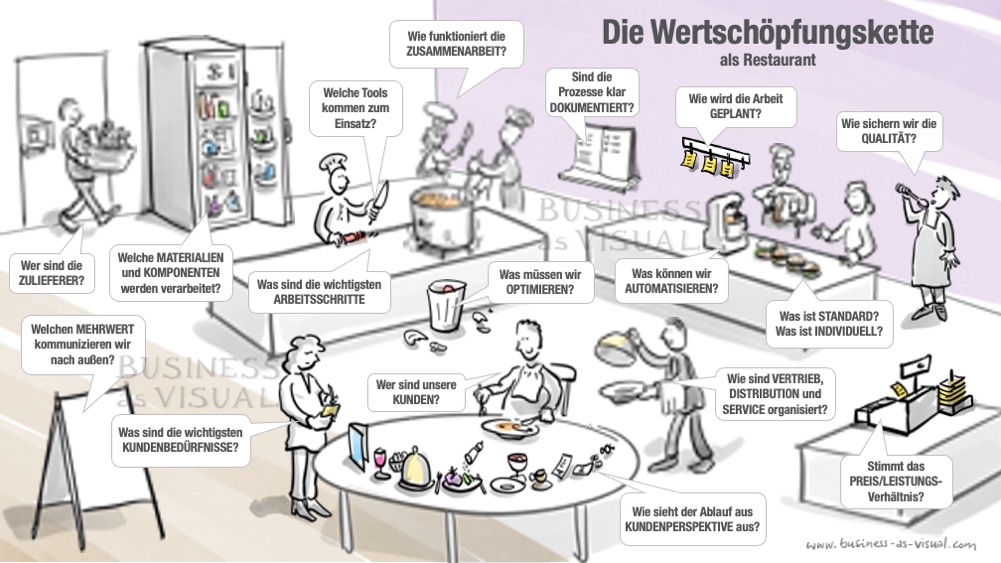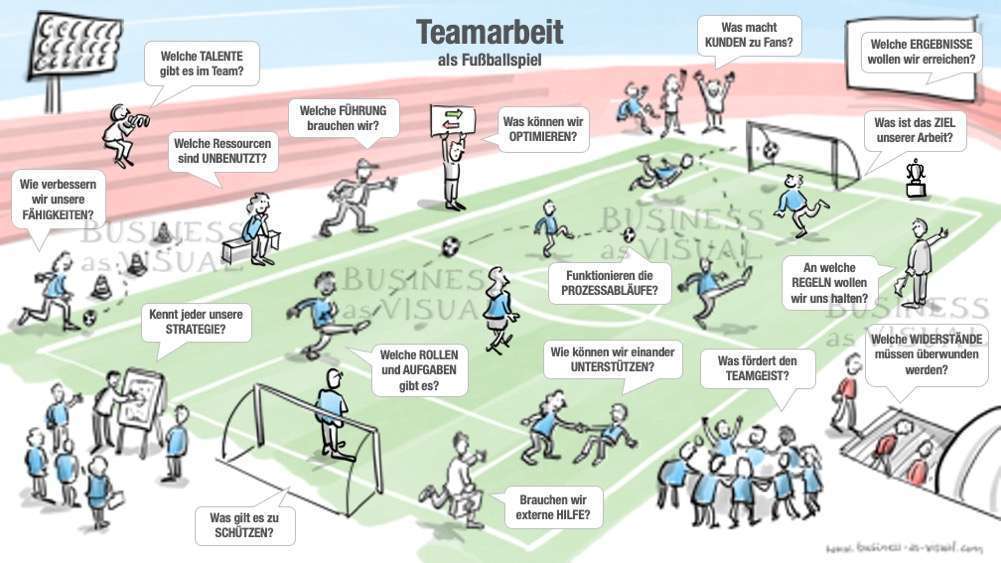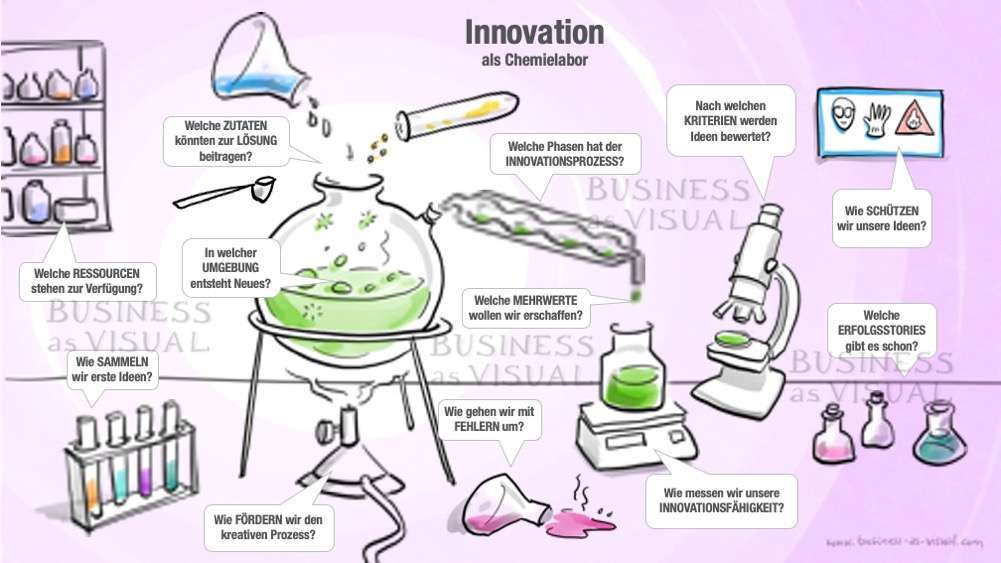
Visual storytelling - with animated PowerPoint templates
No more boring slides!
“Storytelling” is one of the most effective approaches to gain the attention of your audience, make abstract topics tangible and inspire the audience for your cause.
- Preparation
- Which metaphor would you like to use to convey your message? Choose the appropriate motif, download the PowerPoint presentation and save the file under a new name.
- Look at the title and questions on the first overview slide. Rephrase them so that they fit your project exactly. The size, font and position of the text fields can be adjusted.
- Go through the slides with the individual scenes and detailed information:
- Adjust the headings (only if you have changed them on the overview slide)
- Replace the placeholder texts (Lorem ipsum…) with concisely formulated core statements.
- The size, font and position of the text fields can be customized. However, make sure that the content remains within the slide frame.
- If necessary, slides can be duplicated or deleted. You can also adjust the order of the slides.
- Look at your work in presentation mode, make corrections if necessary and rehearse your performance. Try to “translate” your words as much as possible into the appropriate visual language for the metaphor.
- Implementation
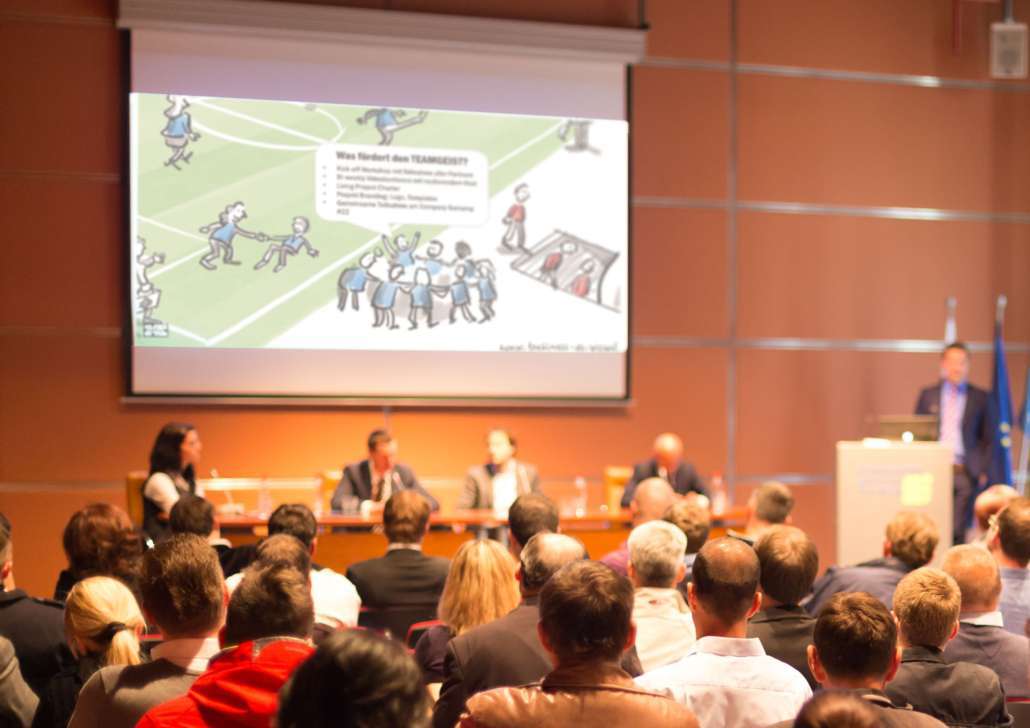
- Tell your story while clicking through the slides in presentation mode.
- Interactive discussion
- Give your listeners the opportunity to react and continue the story with their associations.
- The text fields of the overview slide are linked to the individual presentation slides. So if you click on one of the text fields in presentation mode, you will automatically zoom in on the corresponding scene with detailed information.
- Click on the rectangular symbol (bottom left of the slide) to return to the overview slide.
- Follow-up
- Did you come across any new insights during your presentation or discussion? Update your presentation for next time.
- Follow-up
Please note that the rights of use for the PowerPoint presentation are limited to internal communication within an organization. If you are an external service provider giving or creating a presentation for third parties, you must therefore purchase a separate license for each customer.